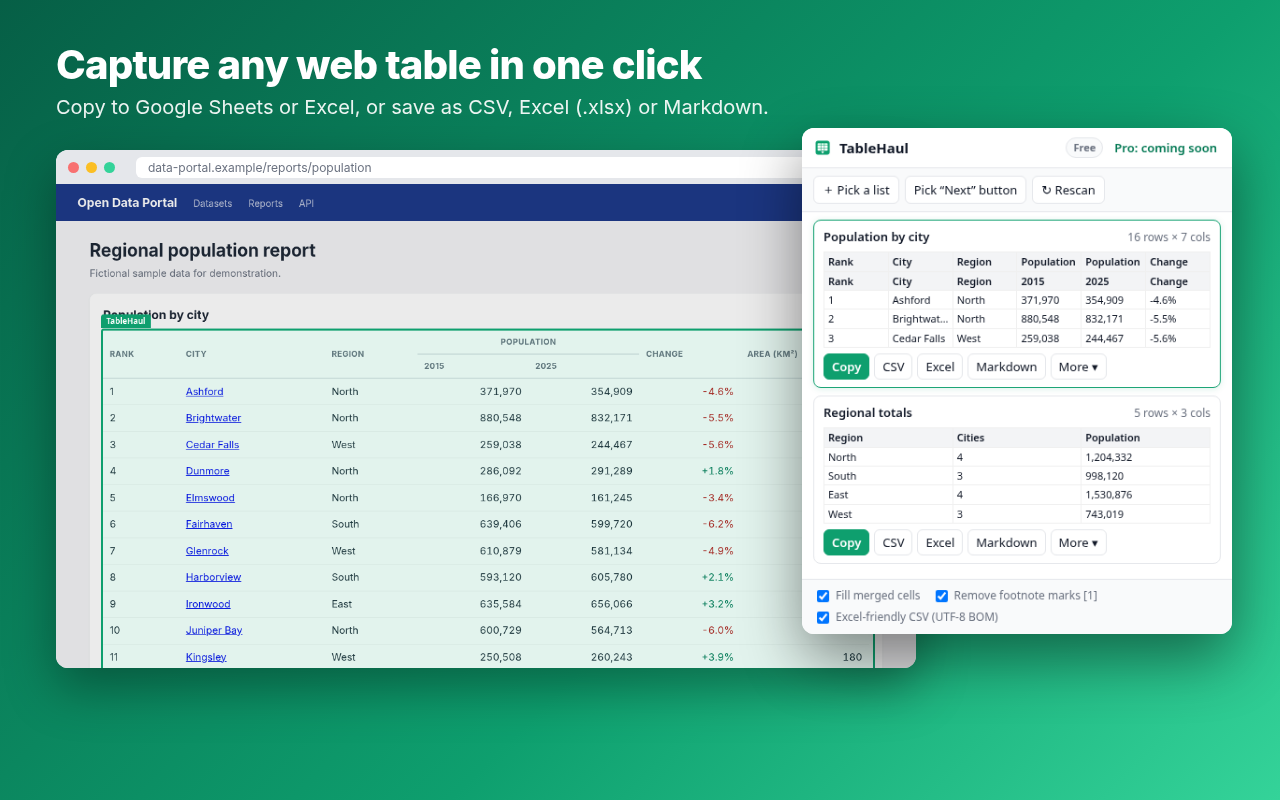
TableHaul is a Chrome extension that copies tables straight into Google Sheets or Excel, or saves them as CSV, Excel (.xlsx) or Markdown. It handles merged cells, div-based grids and product lists. Every export is free with no row limits.
Join the waitlist
It reads the page the way you see it, so your columns stay where they belong.
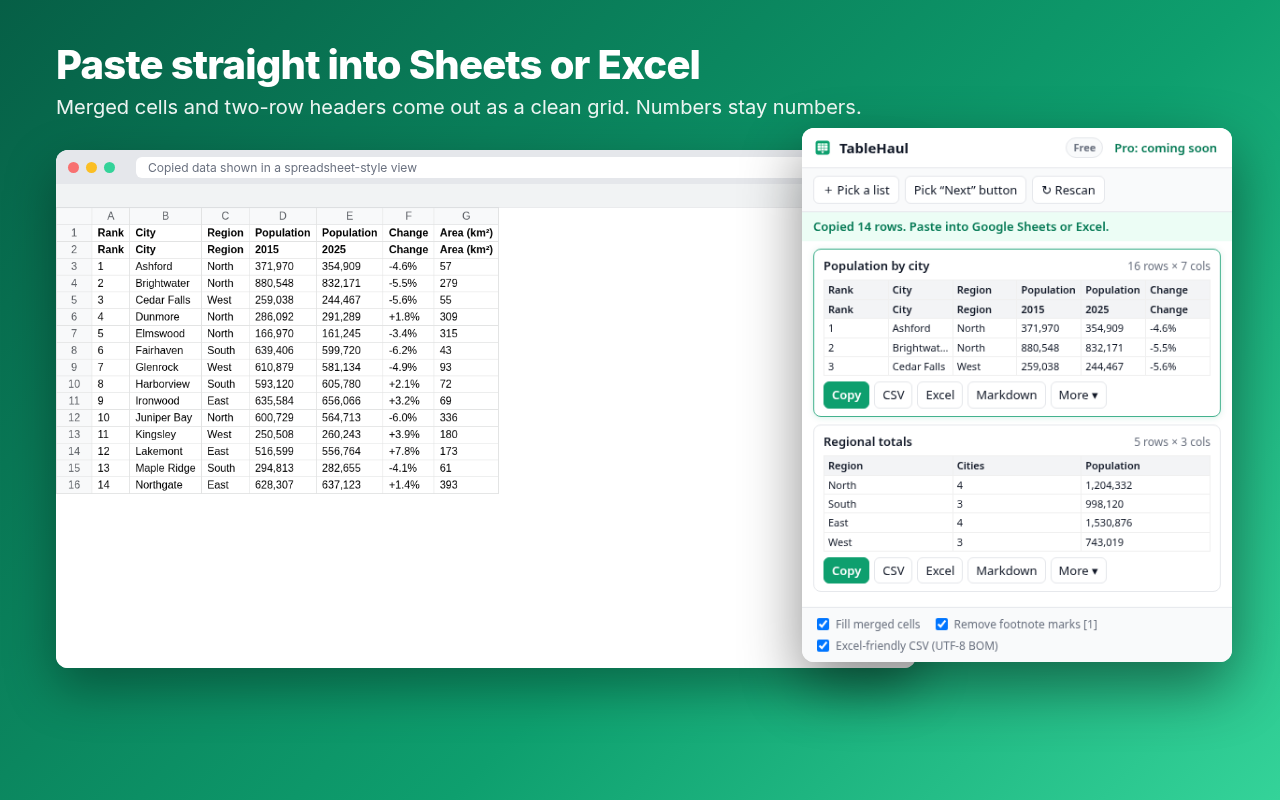
Paste straight into Google Sheets or Excel. Free and unlimited.
Real .xlsx files with a bold, frozen header row. Numbers stay numbers, and leading zeros are kept.
Rowspan and colspan become a clean, rectangular grid. Two-row headers and footnote marks like [1] are handled too.
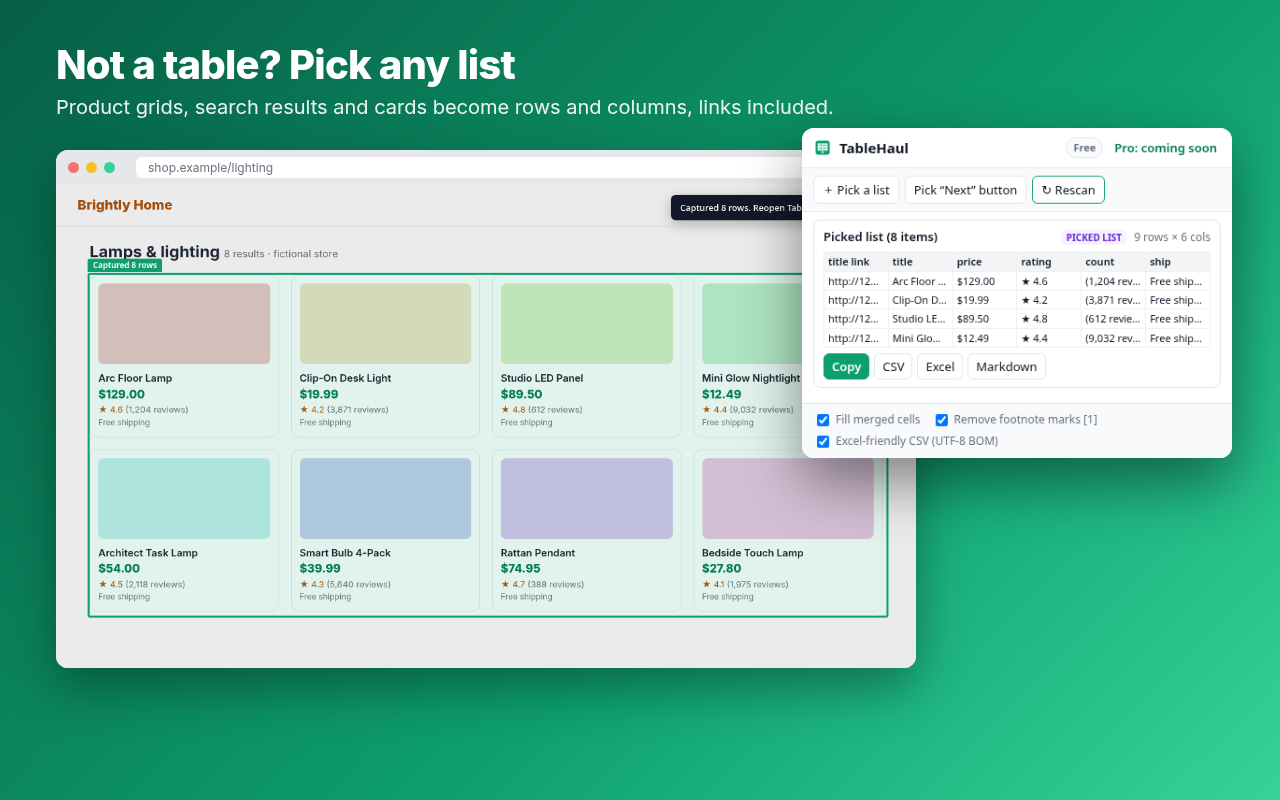
Finds ARIA data grids automatically. Click any product grid or results list to turn it into rows.
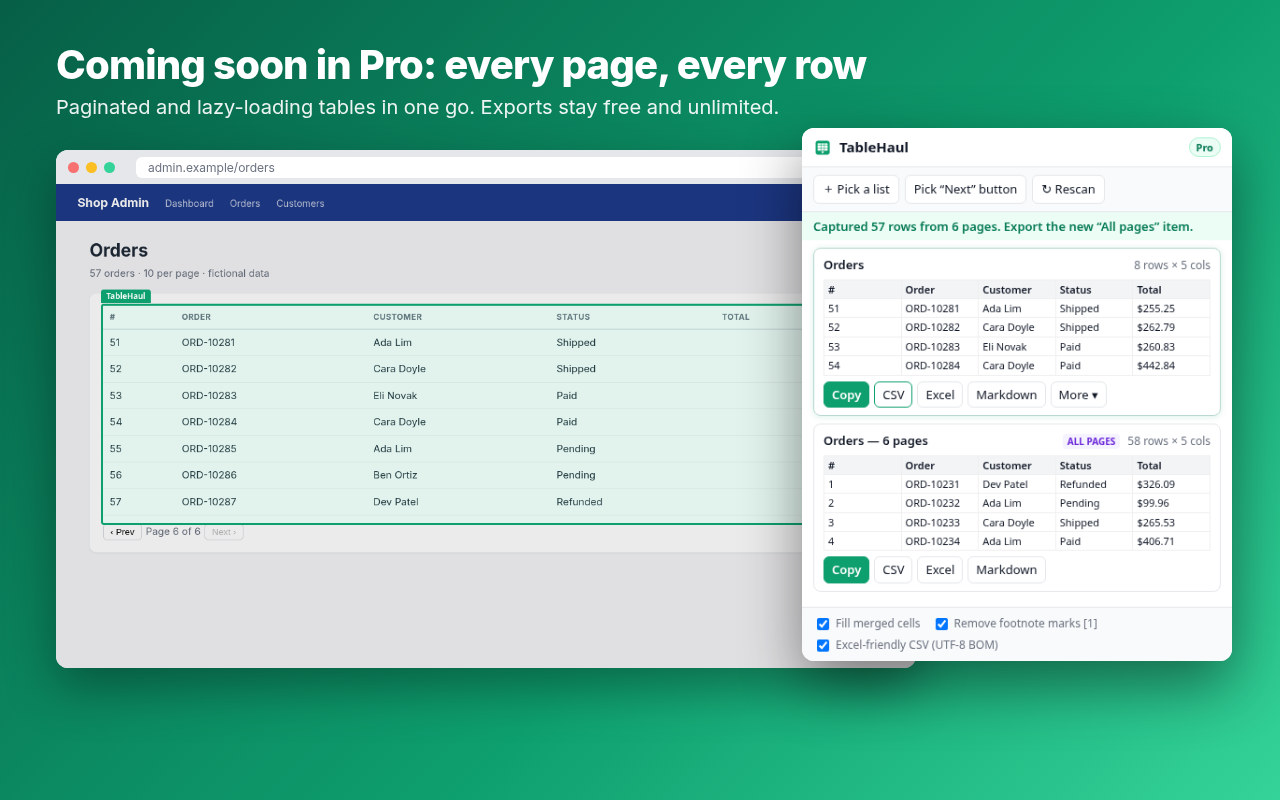
Captures paginated tables, both “Next” buttons and page links, plus lazy-loading tables that grow as you scroll.
It runs only on the tab you click, and only when you click. No tracking, no analytics, no uploads. Your data never leaves your browser.
These screenshots come from real runs of the extension on sample pages.
Every export format is free and unlimited. Pro adds automation, and it’s coming soon.
Join the waitlist and we’ll email you once when Pro launches. No spam.
No. It uses Chrome’s “activeTab” permission, so it can only see a page after you click its icon on that page. It never asks for access to all websites.
Yes. Click Copy, then paste into any sheet. A direct “send to Google Sheets” button is planned for Pro.
No. Copy, CSV, Excel and Markdown are free and unlimited.
Charts, images of tables, tables drawn on a canvas, cross-site iframes, and Chrome’s own pages, which no extension can access.
Not yet. Pro isn’t on sale. Join the waitlist and we’ll tell you when it launches. When it does, you’ll be able to cancel anytime.
Email 7p52jkdf@mail.grokbot.com.